What you need to know before sending us your artwork
We want to make sure your artwork translates into the best possible printed graphic. We've put together a few basic guidelines to help you and your designer. And remember, we also do designs for customers for very small fees, or in some cases for free. Don't be afraid to ask.
We accept artwork in almost every format, but the best results come from vector files. Preferred formats are Adobe Illustrator (.ai), Editable EPS (.eps), Acrobat PDF (.pdf), and Adobe Photoshop (.psd).
We will also accept non vector image files (.jpg or .png) for recreation, this is normally done for free.
Vector art is composed of paths, lines, curves and shapes defined by points on a work plane. This means you can scale it up or down to any size without any loss of quality or distortion.
Vector artwork saved correctly is easily transformed into an acceptable printed graphic, it's the best format, though not always essential for simpler designs.
Photographs are not composed of vectors. If photos are low resolution they will become blurry and unusable when enlarged. Use photos with a resolution of at least 300 dpi.
If your design includes linked photos, make sure to include the source files or embed them when you submit your artwork to us.
Each colour in your design requires its own film positive and its own screen, both take time and money to produce, and add extra steps to the printing process.
To reduce your overall cost, use fewer colours to limit the total number of screens needed. This is one of the simplest ways to bring down your per garment price.
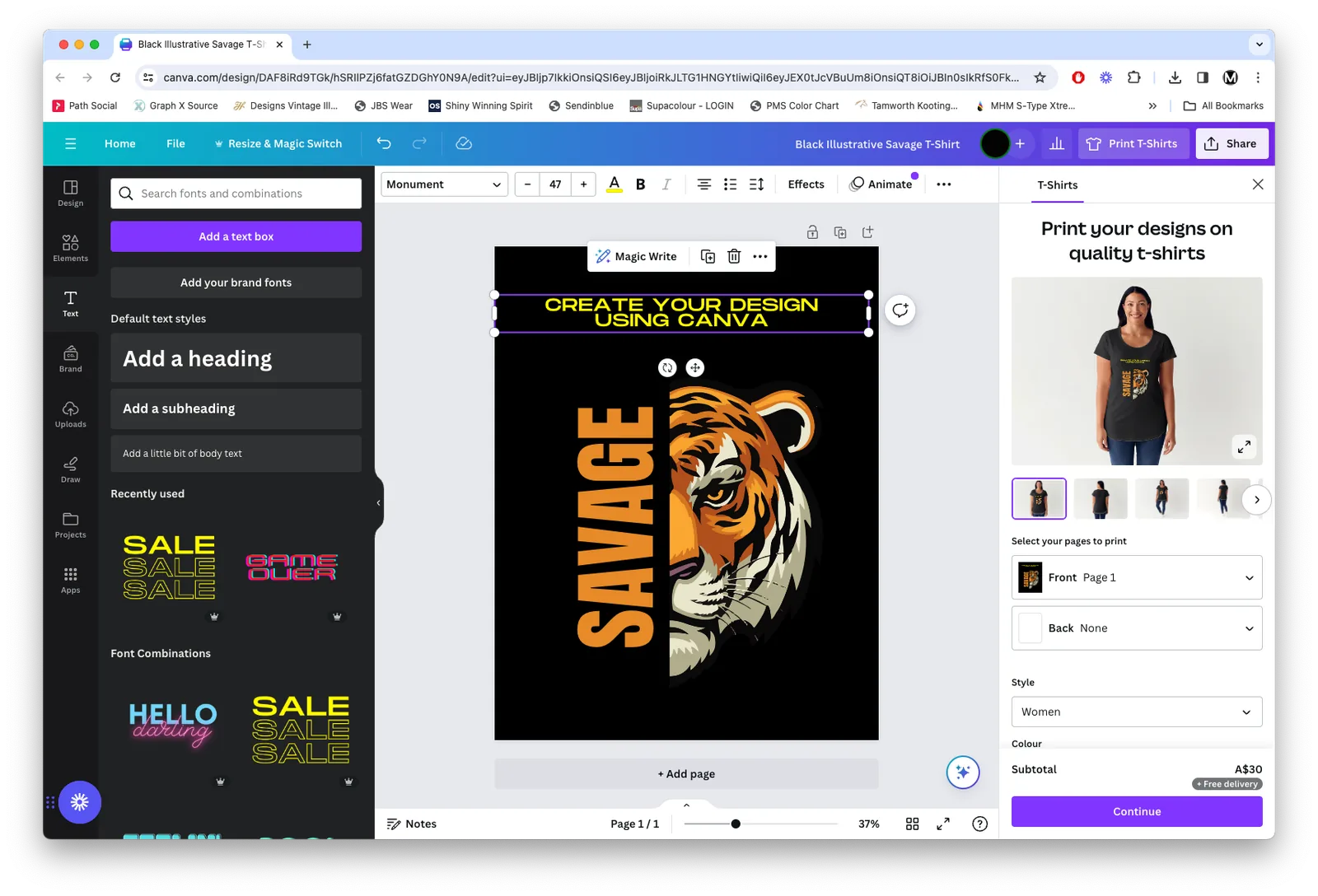
Easy drag and drop design tool. Great for simple logos, text based designs and graphics. Share your finished design directly with our art department at artwork@ministryshirts.com.au.
Open Canva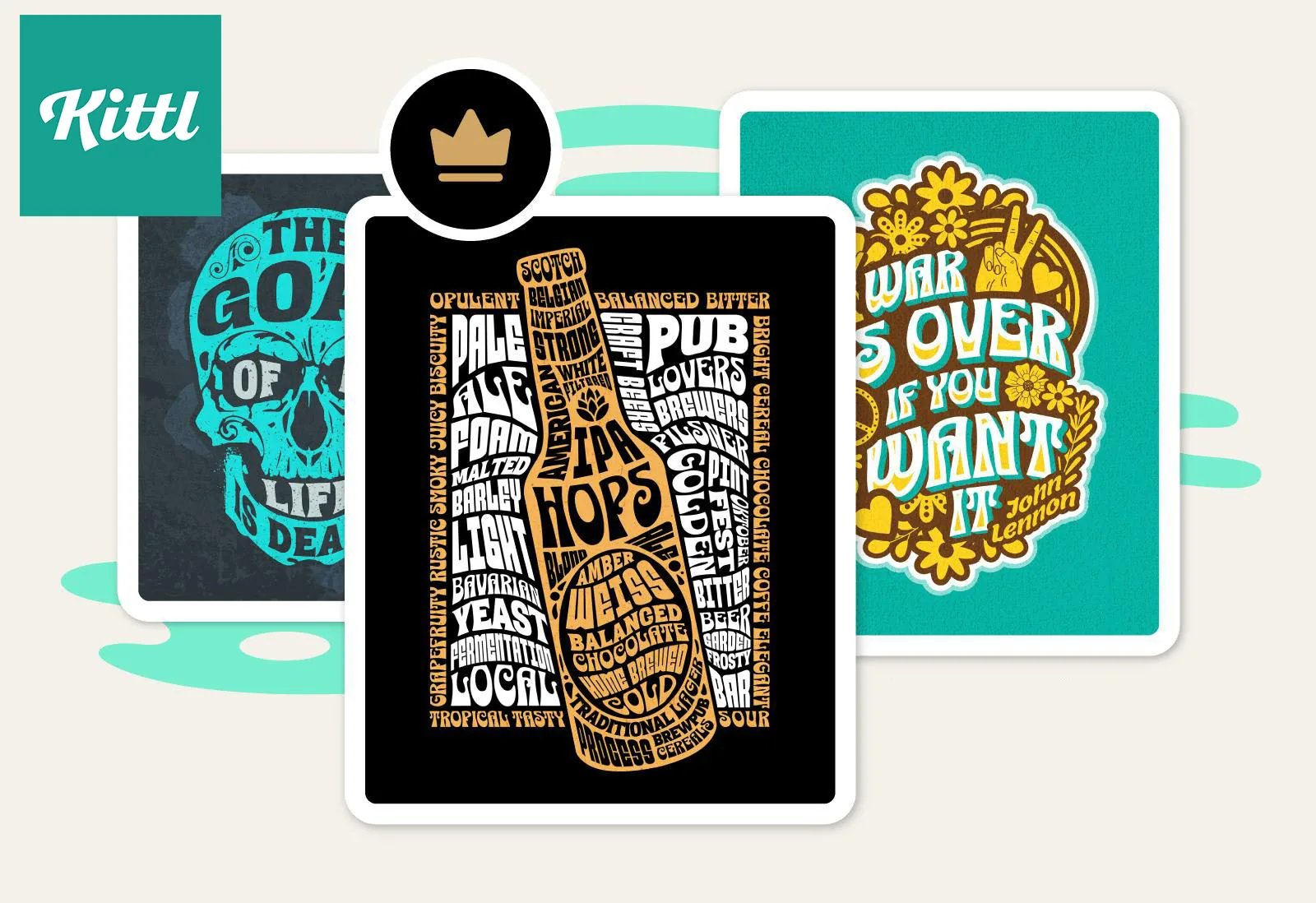
Purpose built for apparel and merch design. Excellent for vintage, retro and illustrative styles. One of our favourites for getting great results without needing a professional designer.
Open Kittl
Illustrator and Photoshop are the gold standard for print artwork. If you or your designer use these, we can work directly with your native files for the cleanest possible output.
Adobe.comNot sure if your artwork is good enough? Send it anyway. We review and rebuild artwork all the time, if there's an issue we'll let you know and sort it out with you.
If you're worried, call or email and we'll talk you through it. We'd rather spend five minutes on the phone than have you stress about file formats.
That's it. Have fun creating.
Submit an enquiry and we'll come back with mockups and a quote, fast.
Get a Quote →Read FAQs